
The environment
This is the Copilot learning environment, and it is not a mockup.
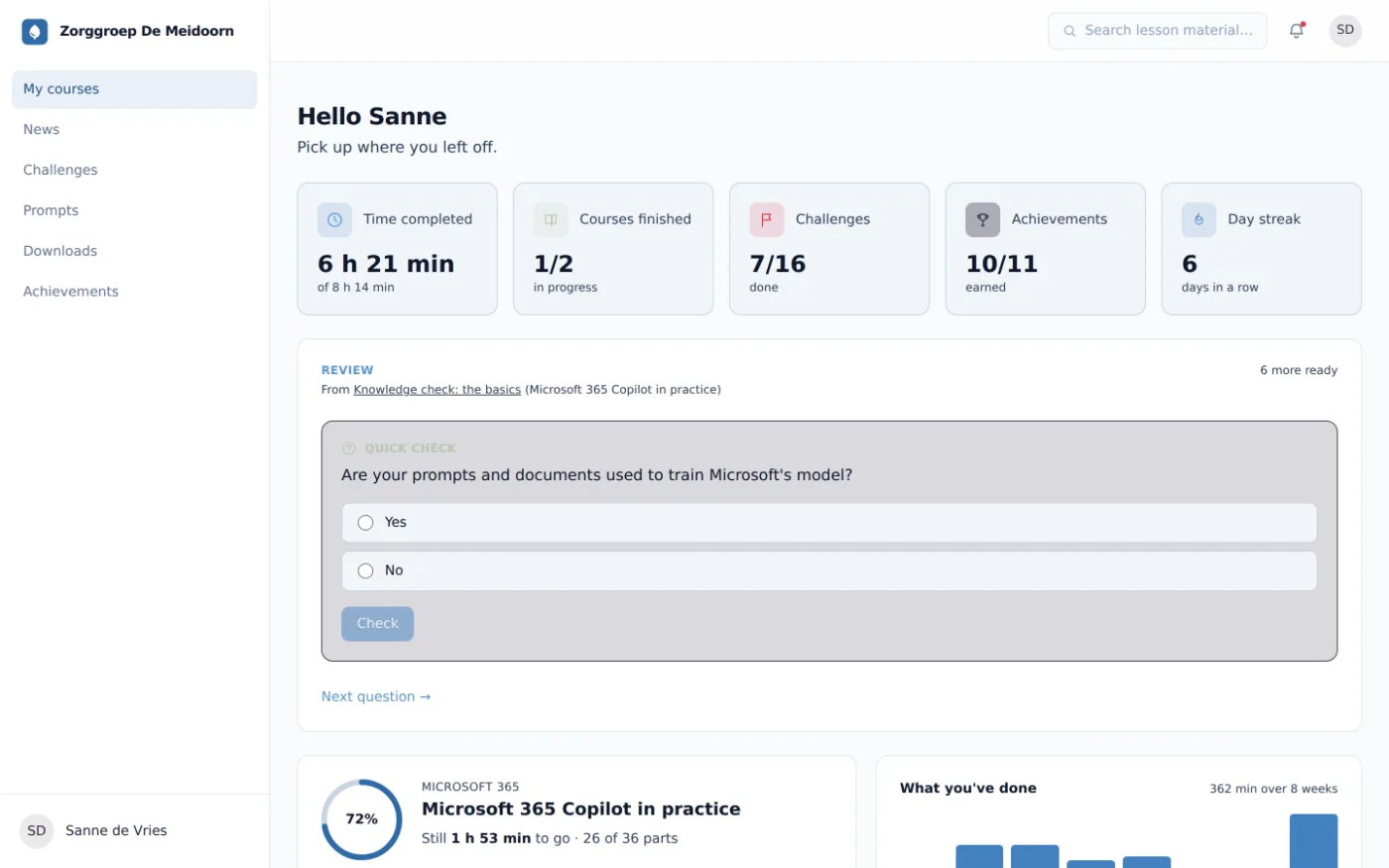
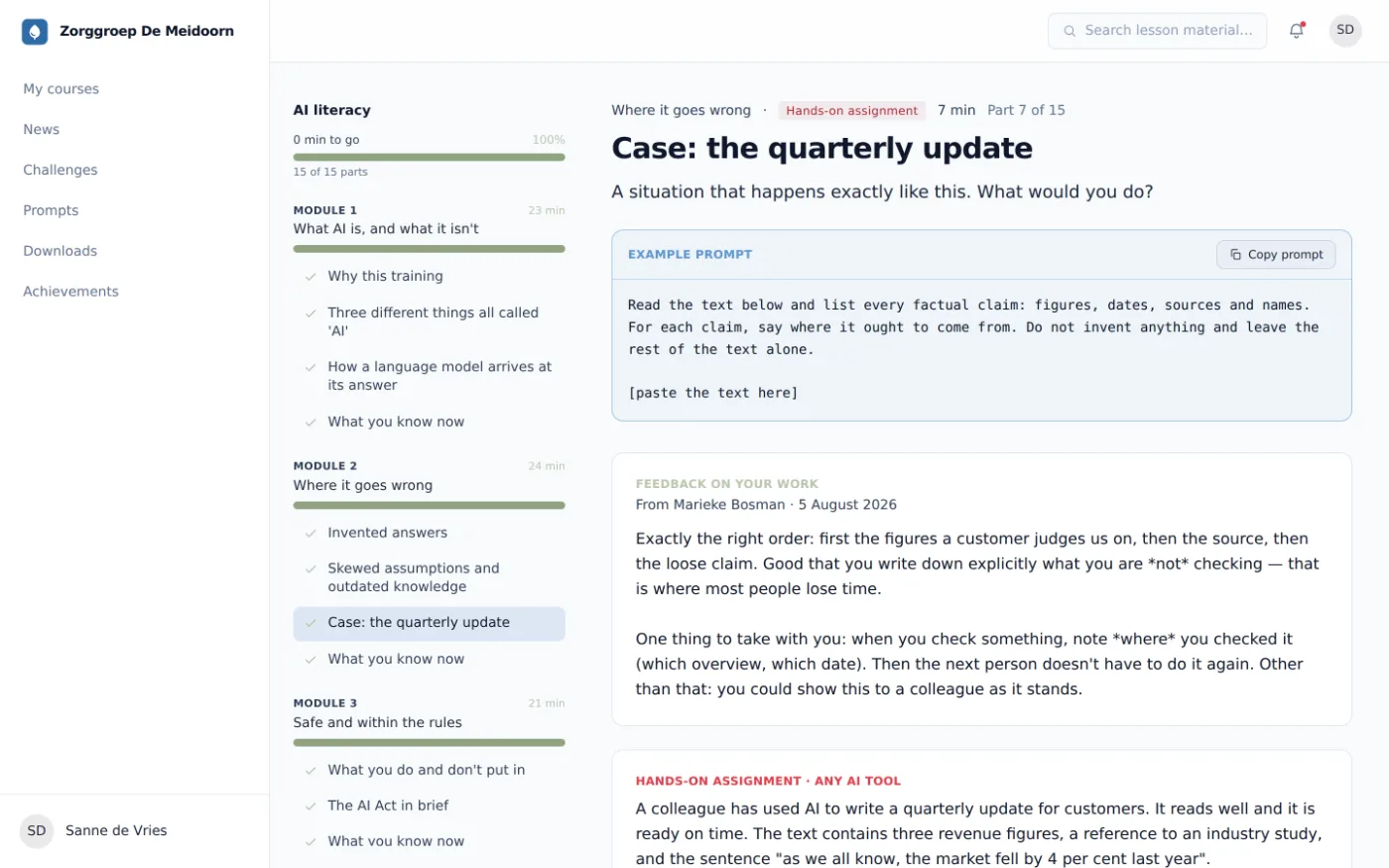
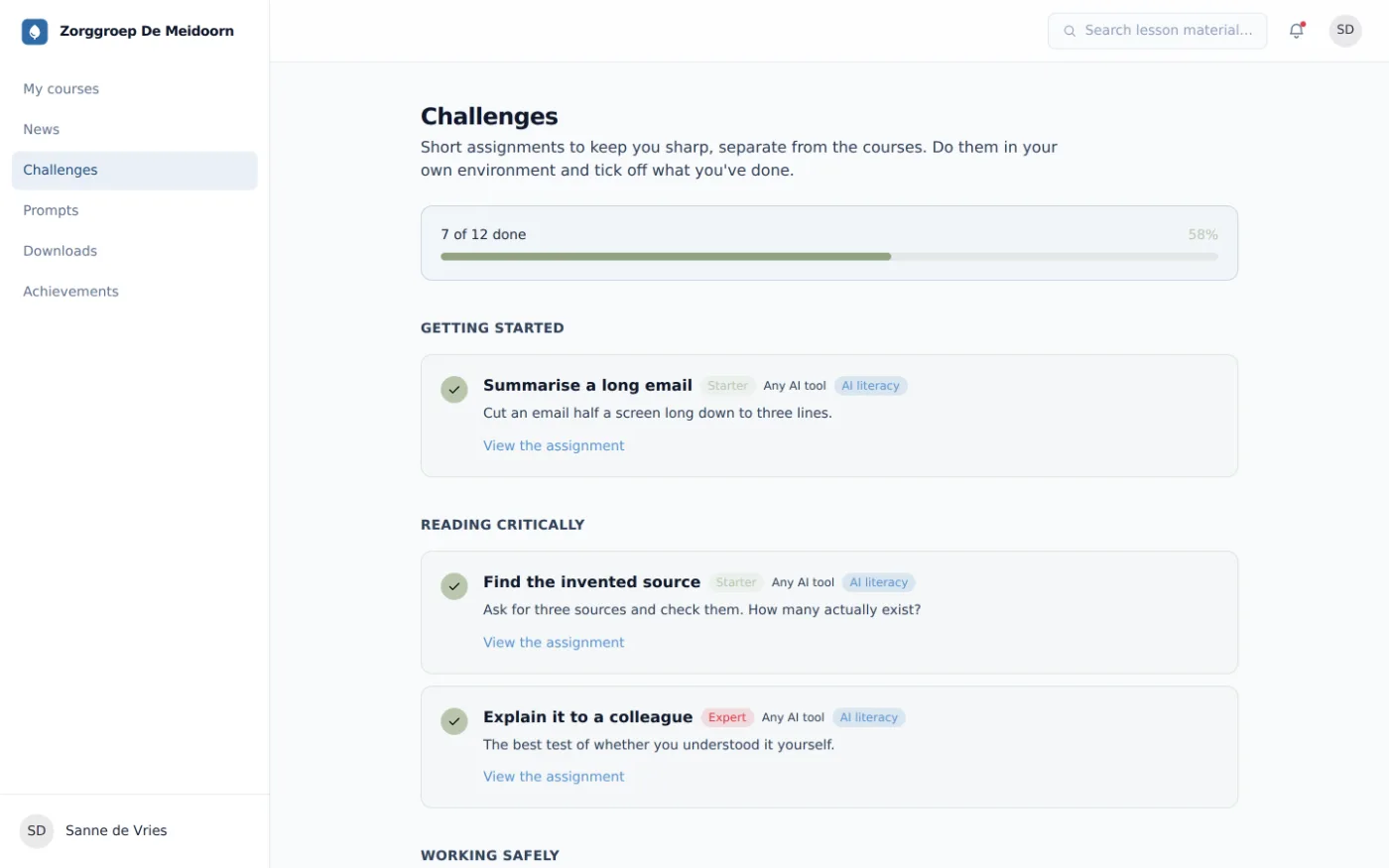
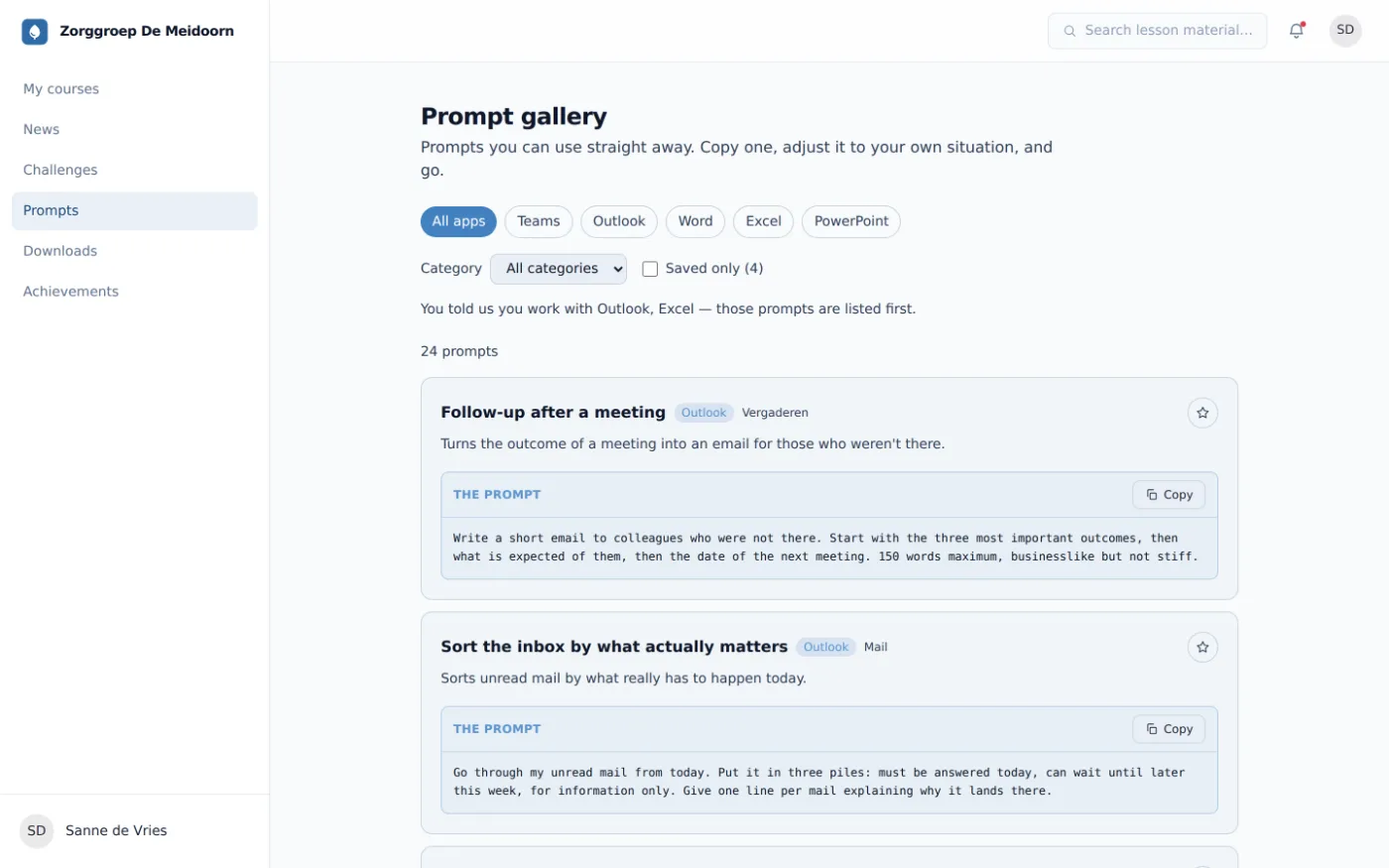
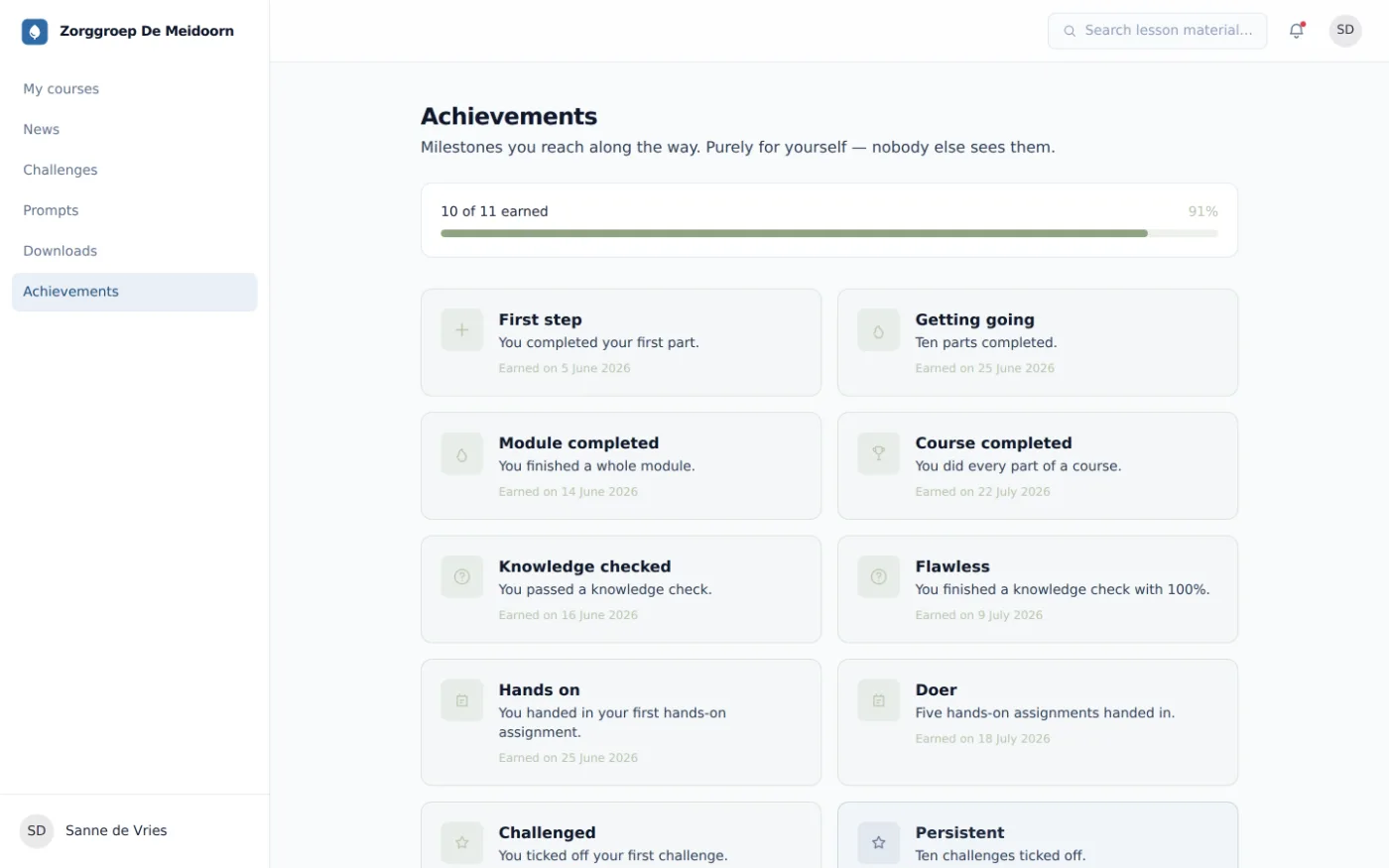
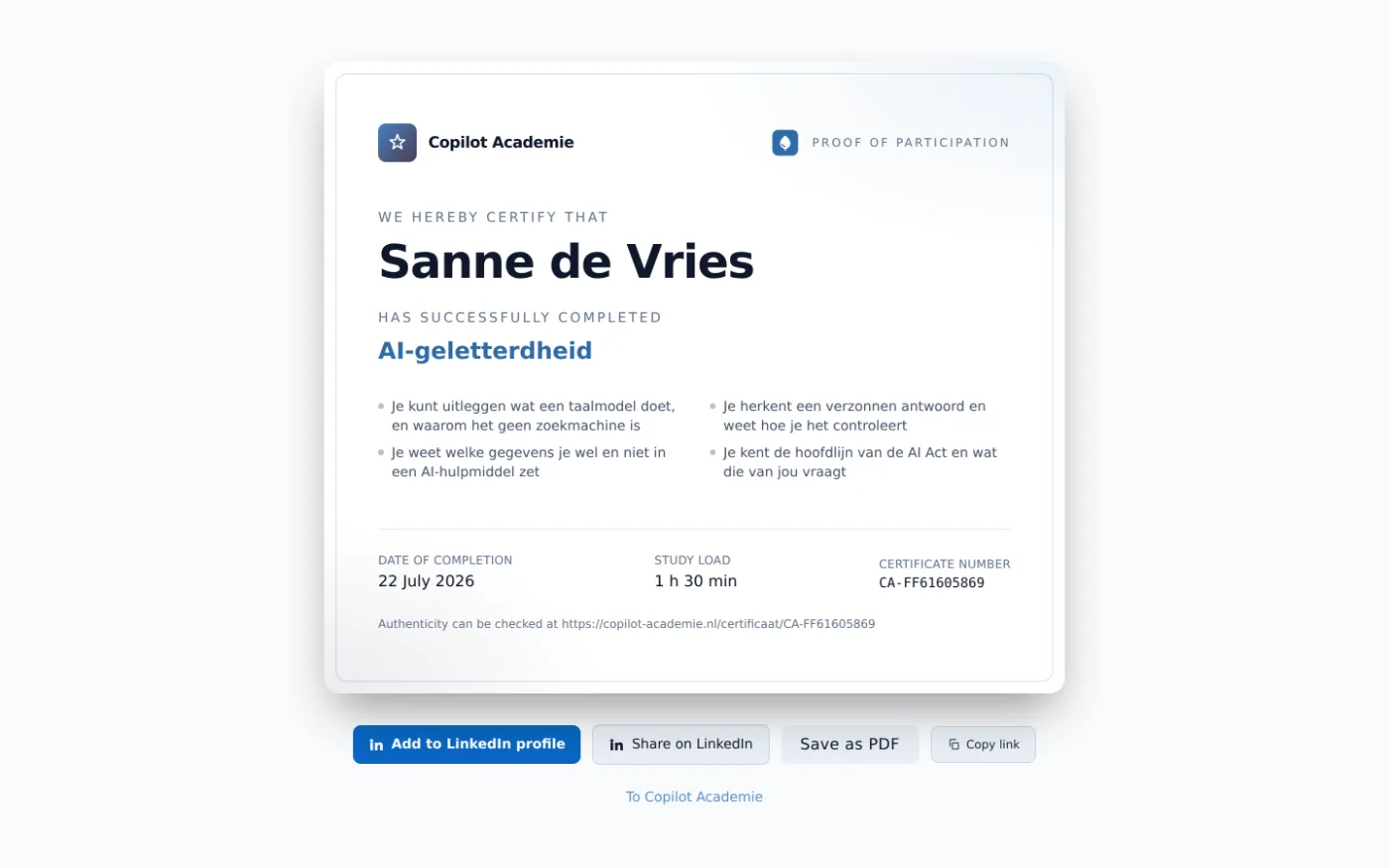
Screens from our online Copilot training, as the environment looks at a client half a year in. With progress, submitted work, certificates and figures. Nothing redrawn.
NoteThe organisations, people, email addresses and results in these images are invented. No real participant or client appears anywhere. The screens themselves are real: they come straight out of the application.
For the participant
01 · 2 screens
The dashboard shows what someone has completed, not time spent. The counters are about parts, challenges and milestones — not about how long they sat in front of a screen. We deliberately do not measure actual time: that is the difference between learning and surveillance. Nor does a participant ever see their level anywhere. The environment adapts the material and does not judge.
Once the training is done
02 · 4 screens
After completion the environment stays open, with challenges, the prompt gallery and a certificate anyone can verify. What a participant reports about their own time saved stays their own. It does not appear on their participant page. The employer only sees it aggregated, and only above the limit of five.
For the employer
03 · 0 screens
The employer sees figures, not the people behind a figure. Every breakdown respects the limit of five measured participants. Anything below it is merged or left out.
These screens are not shown here: the admin section of the application is Dutch only, so an English screenshot of it does not exist. The participant environment above is fully translated. Ask us for a walkthrough if you want to see the employer side.
Privacy as a design decision
04 · not an appendix
In this Copilot learning environment, privacy is not an appendix to the contract. It is in what the environment can and cannot do.
The data stays with the client. The learning environment runs on its own hosting with its own MySQL database. There is no external analytics integration and no learning data goes to third parties.
The course material is clean too. It carries no tracking cookies: YouTube loads through youtube-nocookie.com and Vimeo runs with do-not-track switched on.
And what we never record cannot leak anywhere. No time tracking, no level label, no group figure below five. What you see on the screens above is what there is.
The limit of five
Below five measured participants nothing is broken down. Teams smaller than five are merged into one anonymous row, and if that row still does not reach five, it is left out. The limit lives in one place in the code and is deliberately not a per-client setting: a limit the client can lower is not a limit.
Read on
- The 26 learning moments
What the training covers, phase by phase, with the app modules that bend to your work.
- What the employer sees
The dashboard up close, plus what deliberately is not in it.
- What it costs
Price per participant, with the volume tiers and what each package includes.
Rather have someone walk you through it?
In half an hour we walk through this same environment, with sample data and an honest answer if your situation isn't a fit.