
Itjoe
ENNL

Practice

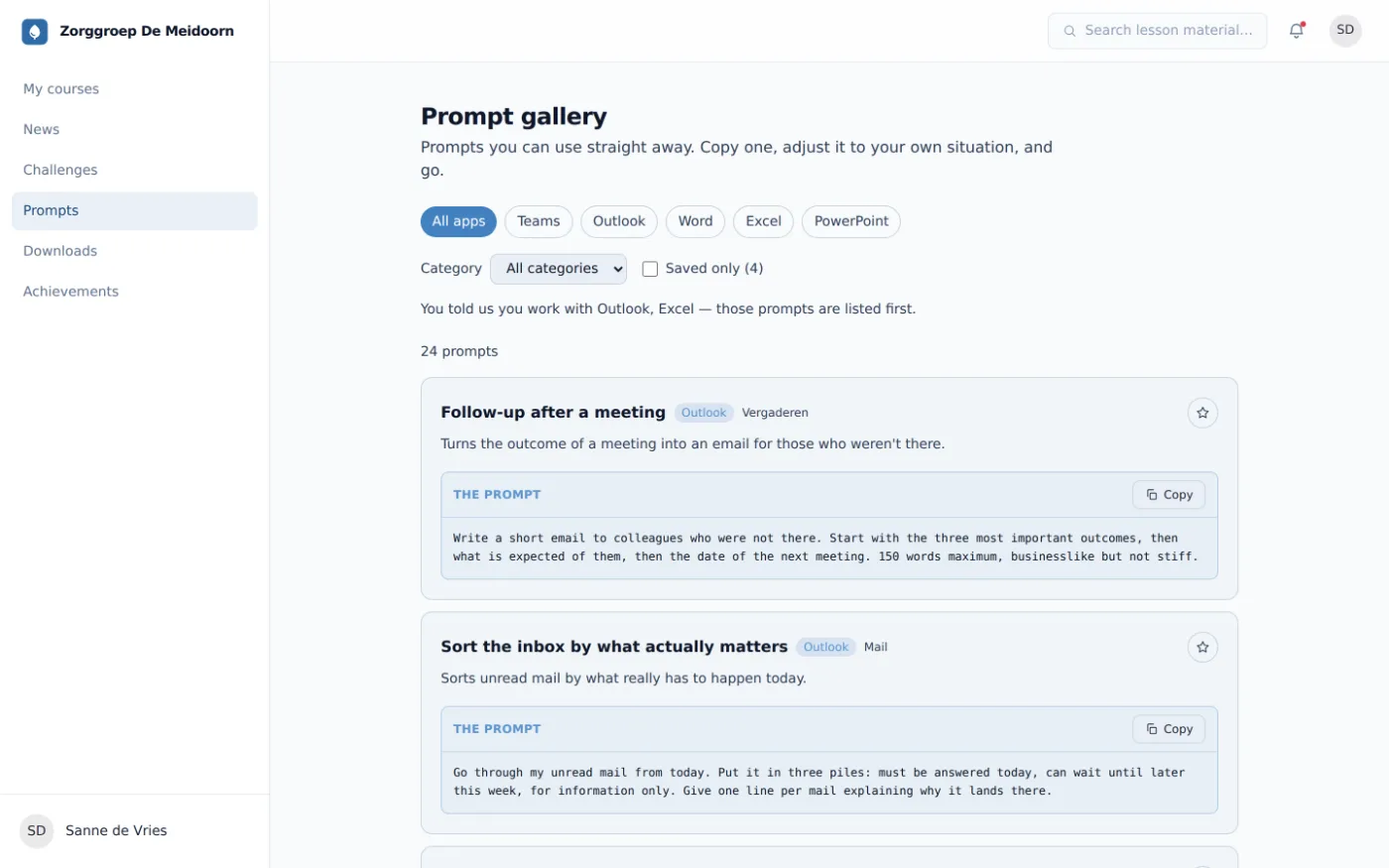
Copilot prompts don't work by copying them, but by understanding the pattern.

Five patterns that separate an answer that's nowhere wrong from an answer you can use. With the poor version, the good version and why it matters, for each one.

Why prompt lists disappoint

01 · The problem

There are thousands of ready-made prompt lists. They're not wrong, they're just written for someone else's situation, and you only notice when you use one.

What happens in practice: someone takes a prompt off the internet, pastes it, gets something usable, and tries it the following week on a slightly different document. Then it no longer works, and because nobody knows which part did the work, there's nothing to adjust. After that the conclusion is usually that 'it doesn't work for us'.

In the baseline measurement we see this as a low score on 'asking'. Not because people phrase things poorly, but because they're copying an action without the underlying pattern. Knowing five patterns is more useful than having fifty prompts, because you can apply them to any document again.

Where this comes from

These five patterns come from the second module of the e-learning and from what we most often see go wrong in sessions. They aren't Copilot-specific: they work identically in ChatGPT.

The five patterns

02 · With examples

01

State the result, not the task

A model that doesn't know when it's finished stops on instinct. Length, audience, channel and the intended end result together define finished. Leave them out and you get text that's nowhere wrong and nowhere usable.

Not like this

Write something about our new policy.

Like this

Write an intranet post of at most 150 words, aimed at all employees, explaining what changes to the home-working policy on 1 September and what they need to do themselves.
02

Supply the source

Without a source the model fills the gaps with what's statistically likely, and that reads exactly like something correct. With a source plus the instruction to flag what's missing, you get an answer you can check.

Not like this

What is our absence policy?

Like this

Summarise the attached absence protocol into five points for managers. Use only what's in the document and flag anything that isn't in there.

03

Say who's reading

'Understandable' means something different to a lawyer than to a customer. Naming the reader is the cheapest way to get tone, word choice and level of detail right in one go, and it saves the three rounds of correction that otherwise follow.

Not like this

Make this easier to understand.

Like this

Rewrite this for a council member with no financial background. Explain jargon on first use, no abbreviations, active sentences.

04

Ask for the intermediate step

A model that answers 'yes' straight away didn't calculate, it guessed what you wanted to hear. Ask for the steps and the reasoning becomes visible, so you can see for yourself where it breaks. This is the pattern that pays off most and gets used least.

Not like this

Is this calculation correct?

Like this

Work through this calculation step by step. Name the cells used at each step and flag anywhere an assumption was made that doesn't follow from the data.

05

Build on it instead of starting over

Most people throw away a disappointing answer and start again. That also throws away the context you'd just built up. Naming what was good is faster than explaining again what you wanted.

Not like this

(new prompt, starting over)

Like this

Keep the structure and the first two paragraphs, but make the third more concrete with an example from the attachment. Leave the rest untouched.

The three most common mistakes

03 · What we see go wrong

01

Too short, out of politeness

People keep prompts short because it feels rude to ask too much. A model has no patience to run out. The limit is repetition, not length.

02

Accepting an answer because it sounds right

A fluently written answer feels verified. That's the key thinking error with this tooling, and the reason one of our eight modules is entirely about judging output.

03

Starting over after a disappointment

Discarding and rephrasing feels faster than steering, but you throw away the context you built. Naming what was good costs one sentence and saves three rounds.

Questions about prompting

04 · Short answer

So do ready-made prompt lists not work?

They work once, for the task they were written for. As soon as your situation differs slightly, different document, different reader, different outcome, you have to adapt it, and you can only do that if you understand why it's written that way. Hence five patterns rather than fifty examples.

Should I prompt in Dutch or English?

Dutch, if the output has to be Dutch. The quality gap has become small in 2026, and translating adds a step where nuance is lost. Working with English sources, feel free to mix: source in English, instruction in Dutch.

How long may a prompt be?

As long as necessary, which is almost always longer than people dare. A five-line prompt with a source attached consistently outperforms a seven-word sentence. The limit isn't character count but repetition: stating the same instruction three different ways makes the answer worse, not better.

What should I never put in a prompt?

Data you wouldn't put in an email leaving the building, unless you're certain you're in a business environment. With Microsoft 365 Copilot on a work account it stays inside your tenant; with a free consumer account it doesn't. That distinction is the single most important agreement an organisation can record, and it fits on one page.

Will agents make prompting obsolete?

No, it shifts. An agent carries out several steps on its own, which makes the instruction more important rather than less: there's no intermediate version to steer. What does shift is the centre of gravity, from framing to judging what comes back when you didn't see the steps in between.

Read on

From pattern to habit

Reading these five takes ten minutes. Making them stick takes practice on your own work, which is exactly what the modules and assignments do. Request a demo and look at module two yourself.